
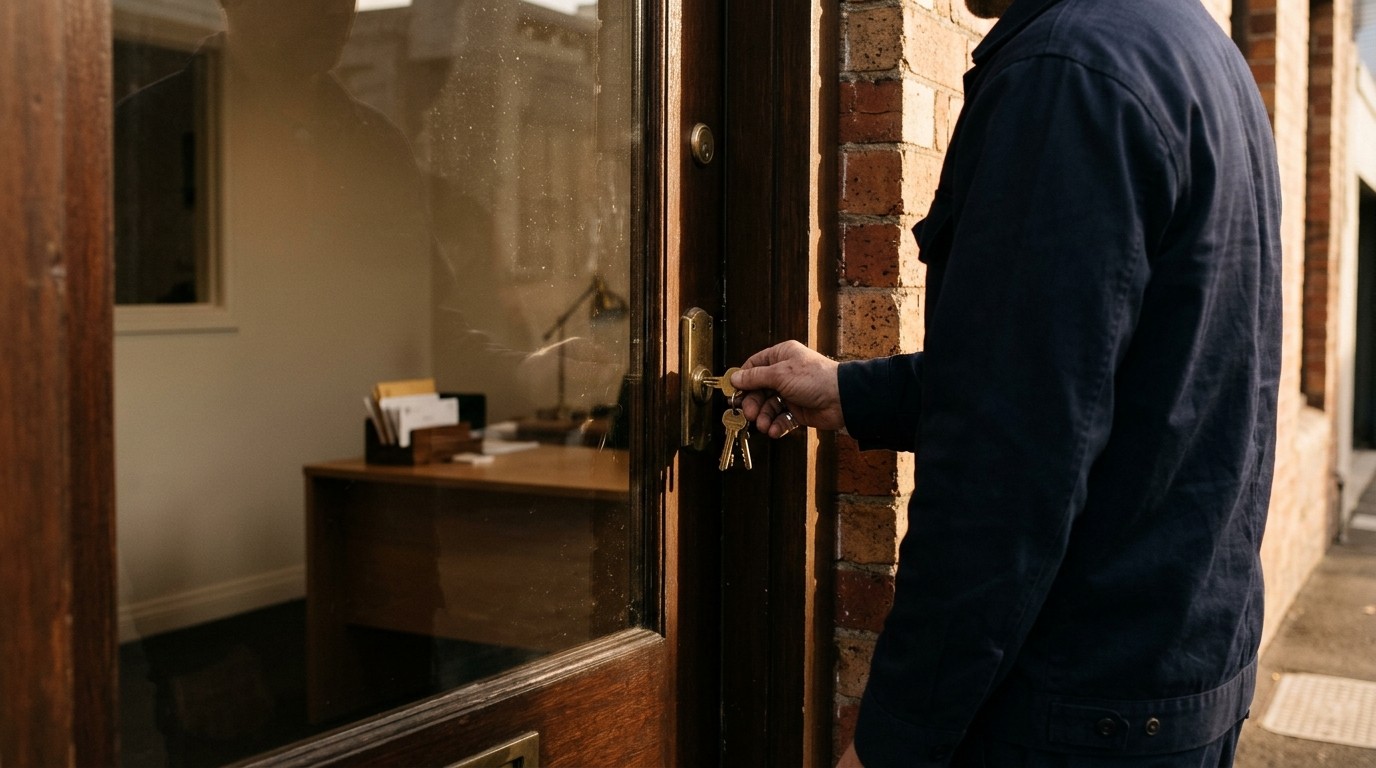
Locking the door at the end of the day isn't something anyone thinks about. It's a habit, done the same way every evening, and it's exactly the kind of thing good security is made of. The aim isn't a team that's anxious about every email. It's a team that handles email, links and logins with the same unbothered confidence they bring to locking up. Here are six habits that get you there, and what makes them stick.
Read the address from the end
Every web address is owned by whatever comes just before the first single slash, read from the right. Microsoft's sign-in page is login.microsoftonline.com. A page at microsoft.com-secure-login.co belongs to whoever registered secure-login.co, which isn't Microsoft. Reading from the end takes two seconds and defeats most fake sign-in pages, including the ones that swap an r and an n to pose as an m.
Treat urgency as the tell
Pressure to act today is the most reliable sign of a scam, because real business rarely needs a bank account changed within the hour. The habit is simple: when a message pushes for speed, slow down. If it asks for a payment, a new account number or a gift card, confirm it by phone with a number you already have, not one in the message. A supplier who's genuine will thank you for checking.
Report it, don't just bin it
Deleting a suspicious email protects one inbox. Reporting it protects every inbox, because once a campaign is identified, every copy can be removed from everyone's mail at once. Our email security gives people a one-click report button in Outlook, every report is reviewed by our security team, and the person who reported it hears back. That last part matters: people keep doing what they're thanked for.
Let the manager remember
Nobody can hold a strong, unique password for every service in their head, so people reuse them, and one leaked password opens many doors. A password manager removes the problem. It creates a long password for each service, fills it in on every device and shares logins with a colleague without anyone pasting a password into chat. The habit becomes "let the manager handle it", which is an easy habit to keep.
Expect the second check
Multi-factor authentication adds a prompt on your phone when you sign in somewhere new. The habit is to expect it, approve it when you've just signed in, and treat it as a signal when you haven't. An approval request that arrives while you're making coffee means someone else has your password. Decline it, and tell the service desk. That one habit turns a stolen password into a non-event.
Restart when asked
Updates close the holes attackers use, and most of them finish with a restart. The habit is to take the restart when it's offered rather than postponing it for a fortnight. Updates arrive on a schedule you'll know about, and a restart at the end of the day costs nothing.
What makes a habit stick
Habits form through small, frequent repetitions with feedback, not through an annual hour of training. That's how awareness training works when it's done well: realistic phishing simulations arrive now and then, tuned to each person so they get harder as someone improves and simpler when they slip. Anyone who clicks sees in that moment exactly what they missed. Short lessons take a few minutes, and a quarterly benchmark tests the whole company the same way so you can see the trend.
The trend is the point. A click rate that falls from one quarter to the next is a team that's getting more confident, not more cautious. If you'd like to see where yours starts, ask us about a first benchmark.