
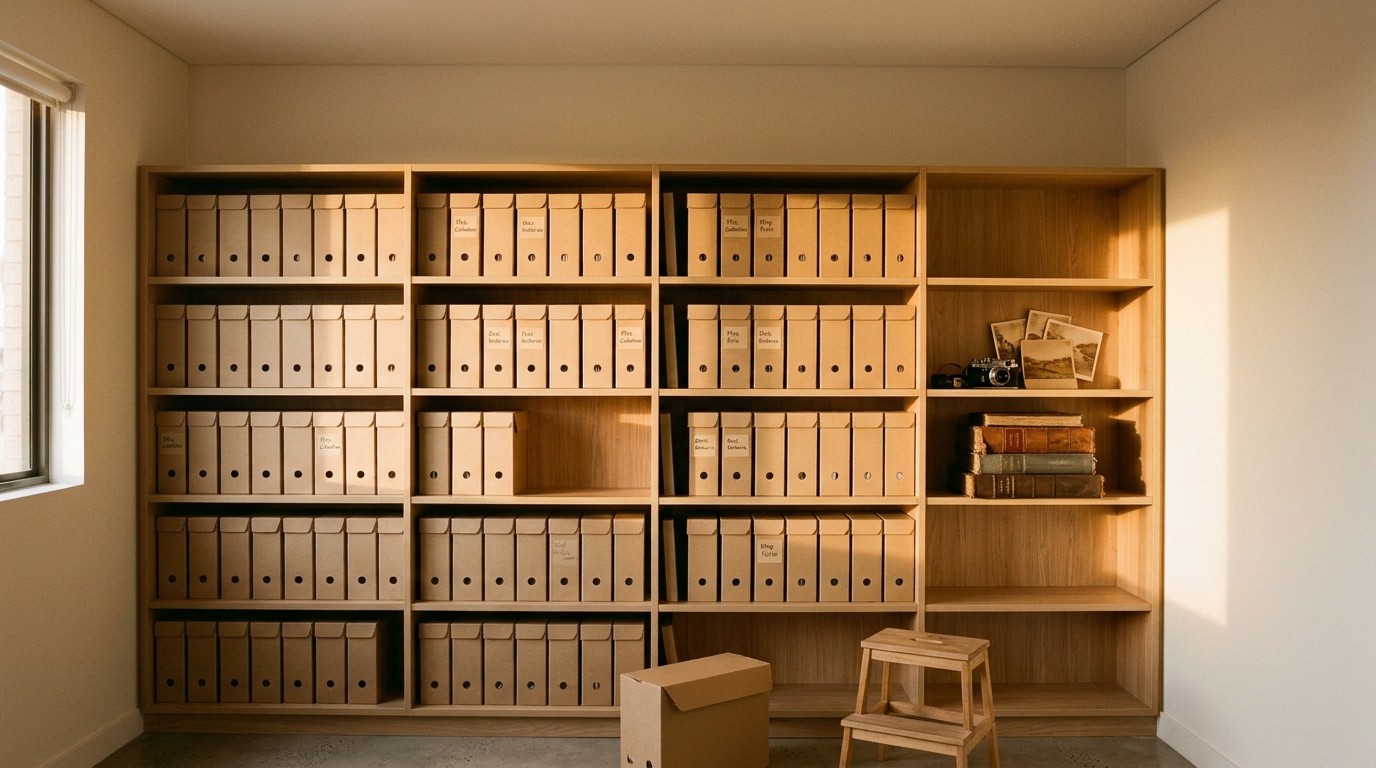
It's a fair question, and we hear it in most scoping meetings: "Doesn't Microsoft already back up Microsoft 365?" The honest answer is that Microsoft does a very good job of one thing and leaves another to you. This article explains what Microsoft keeps, for how long, where that falls short, and what a backup of your own should do instead.
What Microsoft keeps
Microsoft's job is to keep the service running. Email arrives, files sync, Teams calls connect, and the servers behind all of it are replicated, patched and looked after without you ever seeing them. That part is excellent, and it's a large part of why so many businesses moved to Microsoft 365 in the first place.
Alongside that, Microsoft gives you a window to recover from everyday mistakes. A deleted email sits in Deleted Items, and after that in a recoverable items folder for 14 days by default, which can be extended to 30. A deleted file in OneDrive or SharePoint moves through two recycle bins over 93 days. Teams follows the same pattern, because its chats and files are stored in the same services underneath. Within those windows, a person or an administrator can usually put things back.
Those windows exist for the moment someone notices a mistake the same week they made it. They're not designed for the ways data actually goes missing in a business.
Where the gaps are
- Discoveries that come late. A folder was cleaned up in March and nobody needed it until a client dispute in July. By then the recycle bin has long since emptied itself.
- People who leave. When an account is removed, its mailbox and OneDrive go with it after a grace period. The project history that lived there goes too, unless someone thought to keep it.
- Sync and ransomware. A laptop that encrypts or deletes files pushes those changes to the cloud as faithfully as any other edit. Version history helps with a handful of files; it isn't built for thousands at once.
- Whole-site restores. If a SharePoint site has to be restored by Microsoft, it comes back whole, to a point in time, overwriting everything that happened since. You can't ask for one library or one document from last month.
- Retention is not backup. Microsoft's retention policies are compliance tools. They decide what must be kept and for how long. They don't give you a separate copy, a point-in-time view or a quick way to put one item back where it was.
What you should keep
A backup of your own closes those gaps by doing the things the recovery windows don't. It should hold a separate copy of email, OneDrive, SharePoint and Teams, taken through the day so you can go back to the moment before something changed. It should keep that copy for as long as the business decides, months or years, not 30 or 93 days. And it should restore a single email or file version as easily as a whole mailbox or site, back where it was or somewhere new.
Where the copy lives matters too. Our Microsoft 365 backup stores it in Azure storage in your own Microsoft tenancy, in Australia, separate from Microsoft 365 itself. It's your data, in your subscription, under your control. Backups are encrypted at rest and can be held in immutable storage, so they can't be changed or deleted before their retention period ends.
Then there's the part that turns a backup into a dependable one. A person checks it every weekday and fixes anything that needs it. Every month a random sample is restored to prove it can be. And when someone needs something back, they can either ask the service desk or restore it themselves from a browser, signed in with the Microsoft account they already use.
Deciding how long is long enough
Retention is a business decision, not a technical one. Think about the longest-lived things in your Microsoft 365: contracts and the correspondence around them, financial records, project files you might be asked about years later, and the email of people who have moved on. Your accountant and your lawyer will have views on the records you're required to keep and for how long. Set the retention period to the longest of those, then stop thinking about it, because the backup takes care of the rest.
Keeping the service, keeping the data
Microsoft keeps Microsoft 365 running, and does it well. Keeping your data, on your terms, for as long as you need it, is a separate job and a smaller one than it sounds. It starts within days, with nothing for your people to install. If you'd like to see what it would look like for your tenancy, get in touch.